Campaign Performance

Know what's happening across your outbound

Monitor campaign activity and performance from one dashboard. See how campaigns are running and use the results to make better outbound decisions.

Get Early Access
Analytics
All campaignsAcross every connected inbox
Last 30 days
Emails sent18,420
Engagement12.6%+1.8
Active campaigns4

Campaign activity

Campaign performance

Q3 outbound · agencies1,200 contactsSending
Agency push · warm leads612 contactsSending
Event invite · SaaStr list340 contactsScheduled

What campaign analytics shows you

Monitor campaign activity and performance from one dashboard.

Sending activityLast 30 days · 4 inboxes
18,420 sent
Weekend dips are the sending window, not a drop in performance.

01

Sending activity

How much is going out, from which inboxes, and on what days.

EngagementPer campaign
12.6%
Replies218+22%
Meetings64+18%
Bounced24
Wk 1Wk 2Wk 3Wk 4

02

Engagement

Opens, clicks and replies per campaign rather than one blended number.

Campaign performanceRanked by reply rate
4 active
Q3 outbound · agencies218 replies from 1,24817.5%
Agency push · warm leads96 replies from 61215.7%
Founder outreach · Q341 replies from 34012.1%
Partner intro run24 replies from 2888.3%

03

Campaign performance

Compare campaigns side by side and see which outreach is working.

Replies by stepAgency outreach · 4 steps
Step 2 best
Step 1 · Intro email62 replies from 1,248 sent5.0%
Step 2 · Follow-up104 replies from 1,186 sent8.8%
Step 3 · Follow-up 238 replies from 1,082 sent3.5%
Step 4 · Breakup14 replies from 1,044 sent1.3%

04

Find the step that works

Reply rate per step shows which message is actually doing the work.

Suggested changesBased on the last 30 days
3 actions
Shorten the delay before step 2Rewrite step 3 subject lineMove 10% volume to sarah@
Step 2 outperforms the intro nearly two to one.

05

Feed the next campaign

Adjust a delay, rewrite a step, or move volume toward the healthier inboxes.

Analytics that inform your next campaign

Performance data is only useful if it changes what you do next. Use what is working to shape your next sequence, adjust your follow-up timing, or reallocate sending across your inboxes.

Build your next sequence
Inboxes
Replies by inboxSame sequence, four accounts
Rebalance
sarah@tamly.ai86%
marc@gettamly.com78%
alex@trytamly.com48%
ops@tamly.ai36%
Move volume toward the accounts with healthier engagement.

Questions about Campaign Analytics

What can I see in campaign analytics?

Sending activity, engagement, and how each campaign is performing against the others.

Where do I find it?

In the Analytics section of the dashboard, alongside your campaigns and inboxes.

Do I need another reporting tool?

No. Campaign reporting is part of the platform, on the same data that runs your sending.

How far back does the data go?

Any period you choose, with the last 30 days shown by default.

Outbound should be simpler.

Warm your inboxes, upload your leads, build the sequence, launch. Tamly gives you one place for the core workflow behind outbound email.
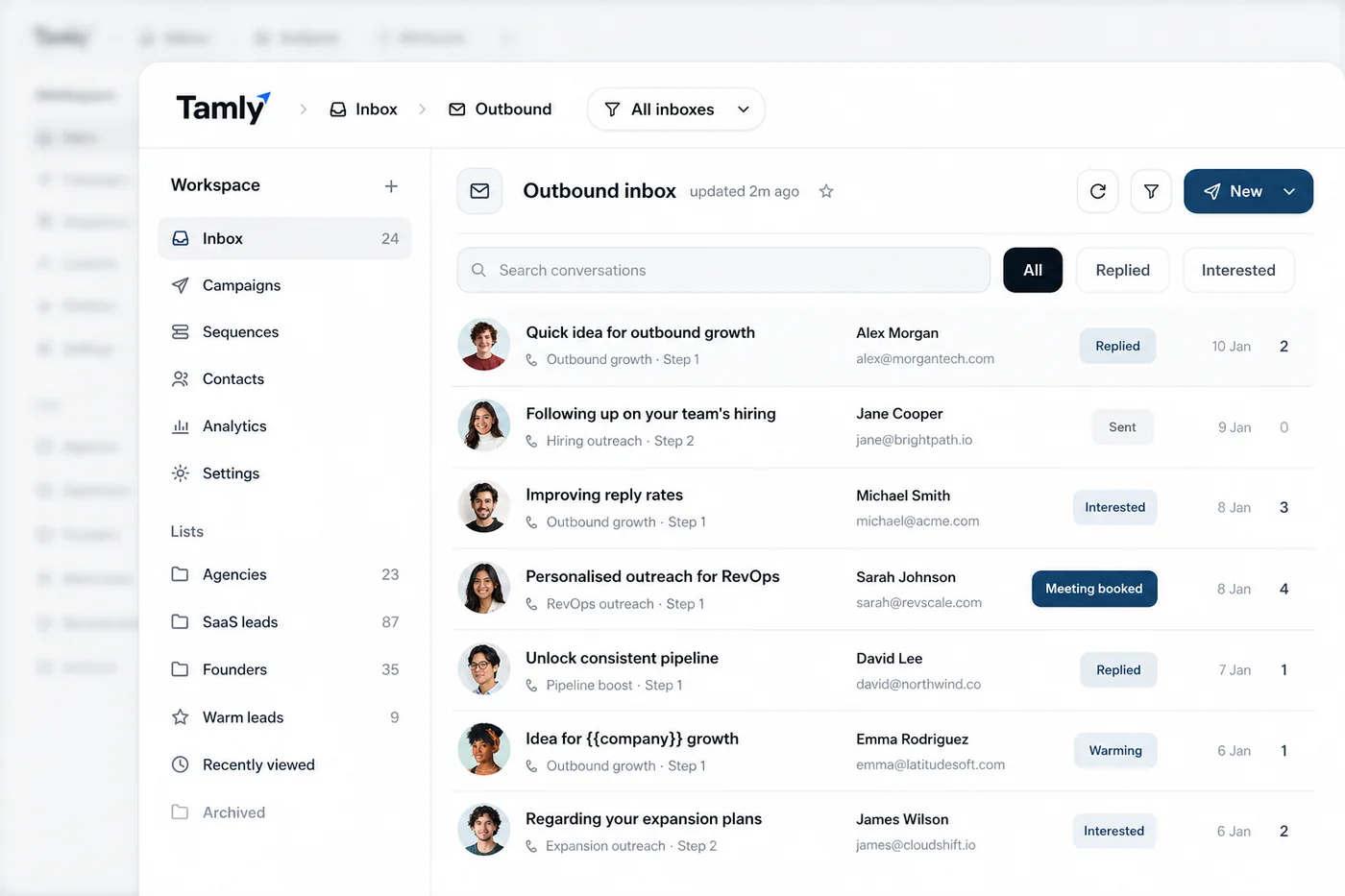
The Tamly outbound inbox, conversations with replied, interested and meeting-booked statuses