
Built To Scale

Run outbound across every one of your inboxes

Connect your sending accounts, manage them from one dashboard, and distribute campaign sending across them as your outbound operation grows.

Get Early Access
Inboxes
All sending accounts4 connected · 2 warming
4 connected
sarah@tamly.aiGoogle WorkspaceActive
marc@gettamly.comMicrosoft 365Active
alex@trytamly.comGoogle WorkspaceWarming
ops@tamly.aiMicrosoft 365Warming
Sending
All connected inboxes

Share of campaign

sarah@tamly.ai30%
marc@gettamly.com30%
alex@trytamly.com20%
ops@tamly.ai20%

How sending accounts connect

Connect the accounts powering your outbound and distribute campaign sending across them.

Connect an inboxPick a provider
Step 1
Google WorkspaceRecommended for teamsConnect
Microsoft 365Recommended for teamsConnect
GmailPersonal sending accountsConnect
OutlookPersonal sending accountsConnect

01

Choose your provider

Google Workspace, Microsoft 365, Gmail or Outlook, connect what you already send from.
Secure authorisationOAuth · revocable any time
Verified
sarah@tamly.aiConnected over OAuth. No password shared with Tamly.
Google WorkspaceRevocable

02

Authorise over OAuth

Tamly never stores a password. Access is granted and revoked from your provider.

Warmup queueStarted on connect
Warming
sarah@tamly.aiDay 1 · rampingWarming
marc@gettamly.comDay 1 · rampingWarming
Every connected inbox is warmed from the same platform.

03

Warmup begins

The new account joins the warmup queue without any extra setup.

Share of campaignAcross 4 connected inboxes
Even split
sarah@tamly.ai30%
marc@gettamly.com30%
alex@trytamly.com20%
ops@tamly.ai20%
Rebalances automatically when an inbox is added.

04

Set the sending share

Decide how much of a campaign each inbox carries, or let Tamly spread it evenly.

Q3 outbound · agencies1,200 contacts · 4 inboxes
Sending
Emails sent4,820
Inboxes4
Reply rate12.6%+1.8
Volume is shared rather than loaded onto one account.

05

Attach to a campaign

One campaign draws on every inbox you assign to it.

For agencies running multiple clients

Lead generation agencies run outbound for several clients at once, each with its own sending accounts and campaigns. Tamly keeps that infrastructure organised in one place instead of one tool per client.

See how campaigns are managed
Agencies
Client workspaces3 clients · 11 inboxes
Agency
North Loop4 inboxes · 2 campaignsActive
Uplift Media4 inboxes · 1 campaignActive
Brightbound3 inboxes · setupWarming

Questions about Multi-Inbox Sending

Can one campaign send from multiple inboxes?

Yes. A campaign draws on whichever connected inboxes you assign to it, and Tamly spreads the volume across them.

Are connected inboxes warmed automatically?

Every inbox starts warming as soon as it is authorised, and keeps warming while campaigns run.

Do I manage inboxes separately from campaigns?

No. Inboxes, sequences and campaigns all live in the same dashboard.

Is there a limit on connected accounts?

Connect as many sending accounts as your outbound operation needs.

Outbound should be simpler.

Warm your inboxes, upload your leads, build the sequence, launch. Tamly gives you one place for the core workflow behind outbound email.

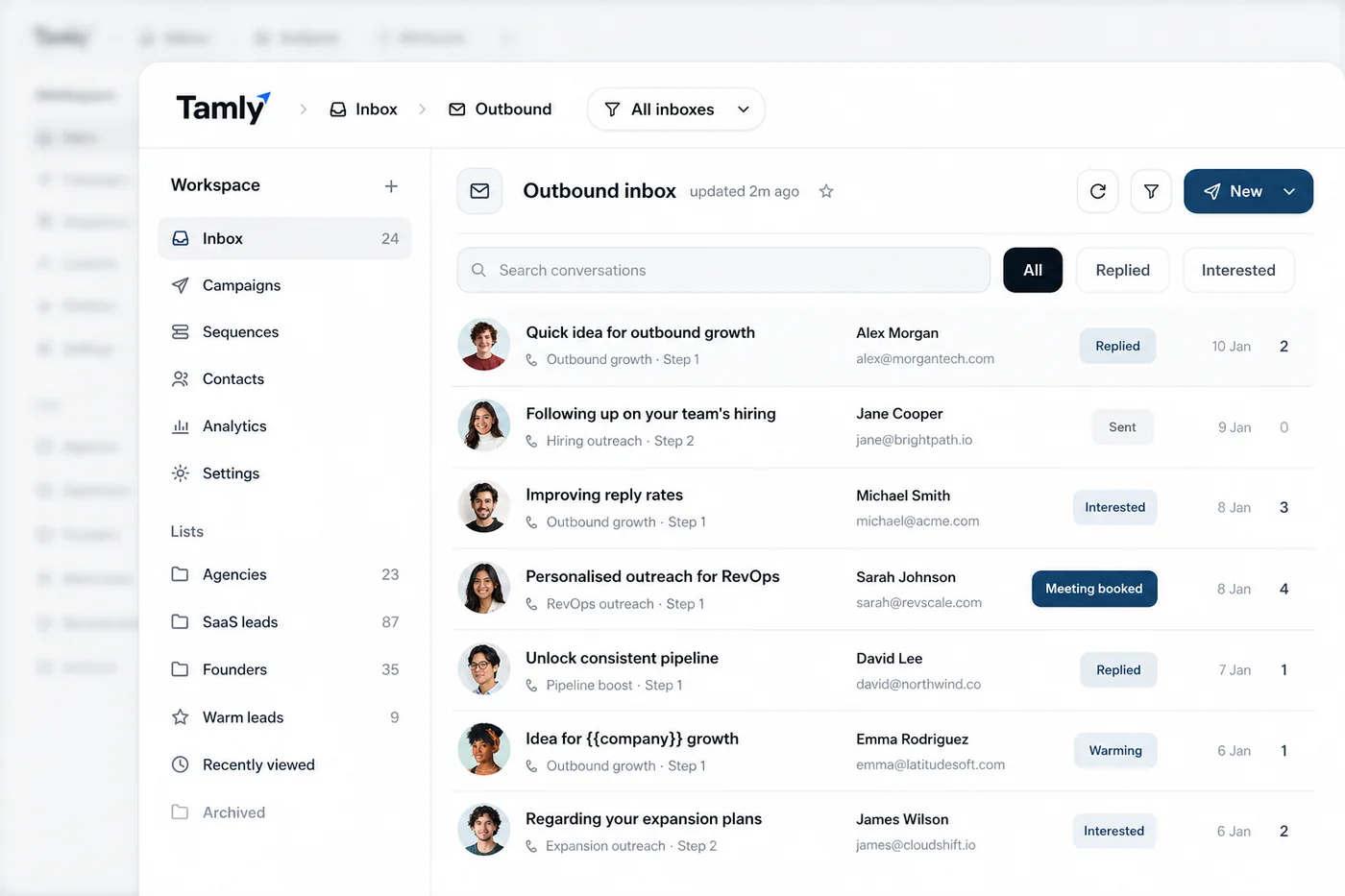
The Tamly outbound inbox, conversations with replied, interested and meeting-booked statuses